Three Jeep Graphics Layouts for the Hood, Tailgate and Sides
See how three SupDec designs use different parts of a Jeep and decide which view you want to change.
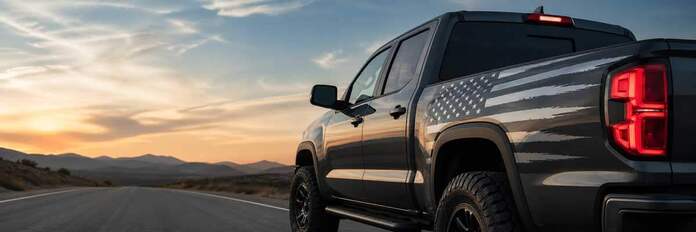
Walk around your Jeep before choosing a graphic. A design on the hood changes the view from the front. A tailgate pattern is most visible from behind. A stripe running along the doors changes the side profile. Each of these three SupDec designs makes sense from a different angle.
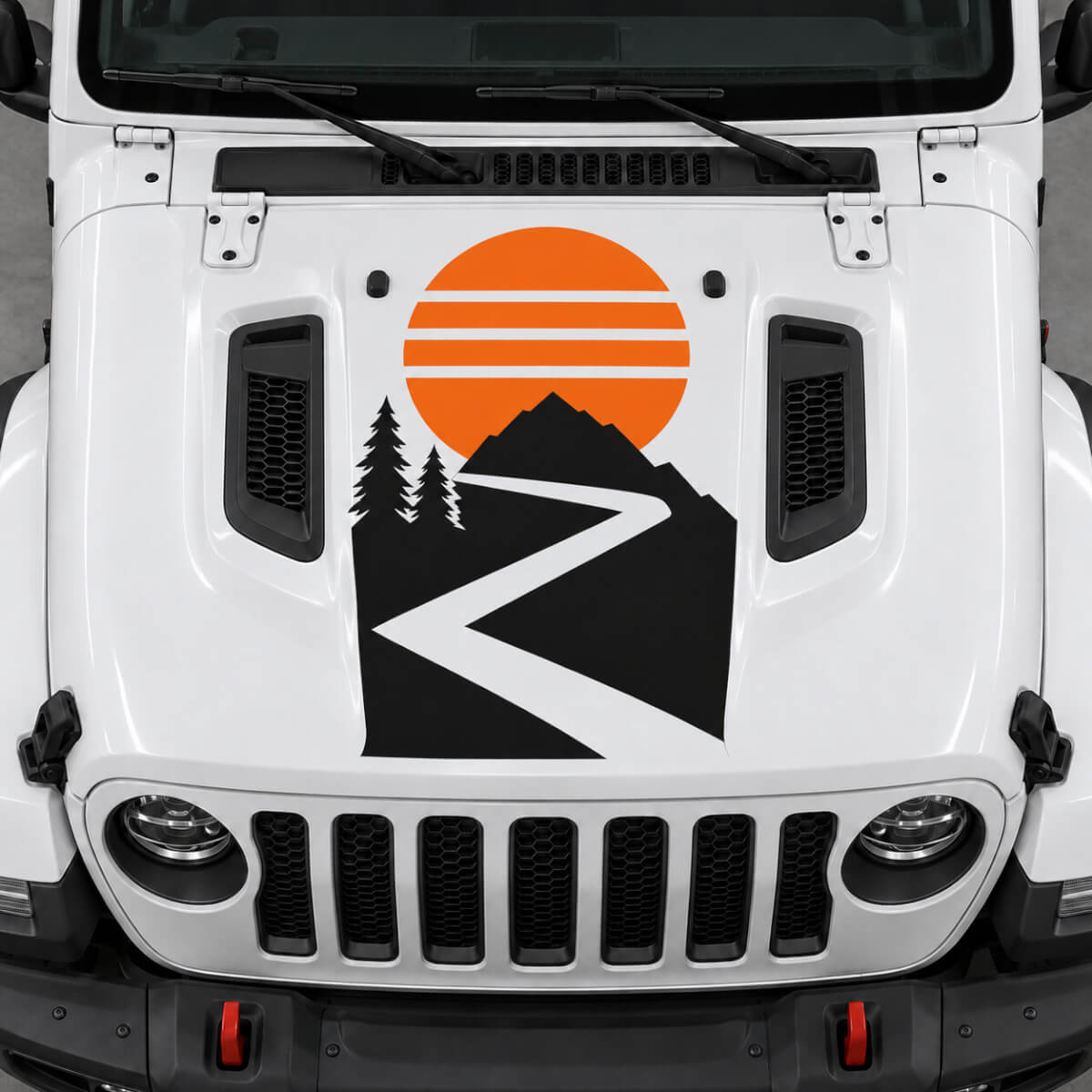
Frame a graphic between the Wrangler’s hood vents
The Switchback Sundisc hood graphic uses black mountains and pines with an orange sun. The listing describes one hood set for a Wrangler Unlimited Rubicon JL four-door with the original two-outboard-vent layout. The space between the vents frames the artwork. A hood with a center intake changes that space.
For this look, take a high front view with both vents and the full hood in the frame. Compare the painted area between the vents with the product layout. That view lets you judge how much of the hood the design fills.
Give the Gladiator tailgate its own pattern

The two-color topographic tailgate decal brings contour lines to the back of the Gladiator. SupDec lists a single tailgate decal for this kit. If you like the map look but want the sides of the bed in plain paint, a rear graphic gives you that separation.
Take a straight rear photo with the gate closed. Look at the space around the handle, badges and any camera or trim in the intended area. Use that photo to mark where the design should end, especially if your truck has accessories around the gate.
Stretch a retro stripe across a two-door Wrangler
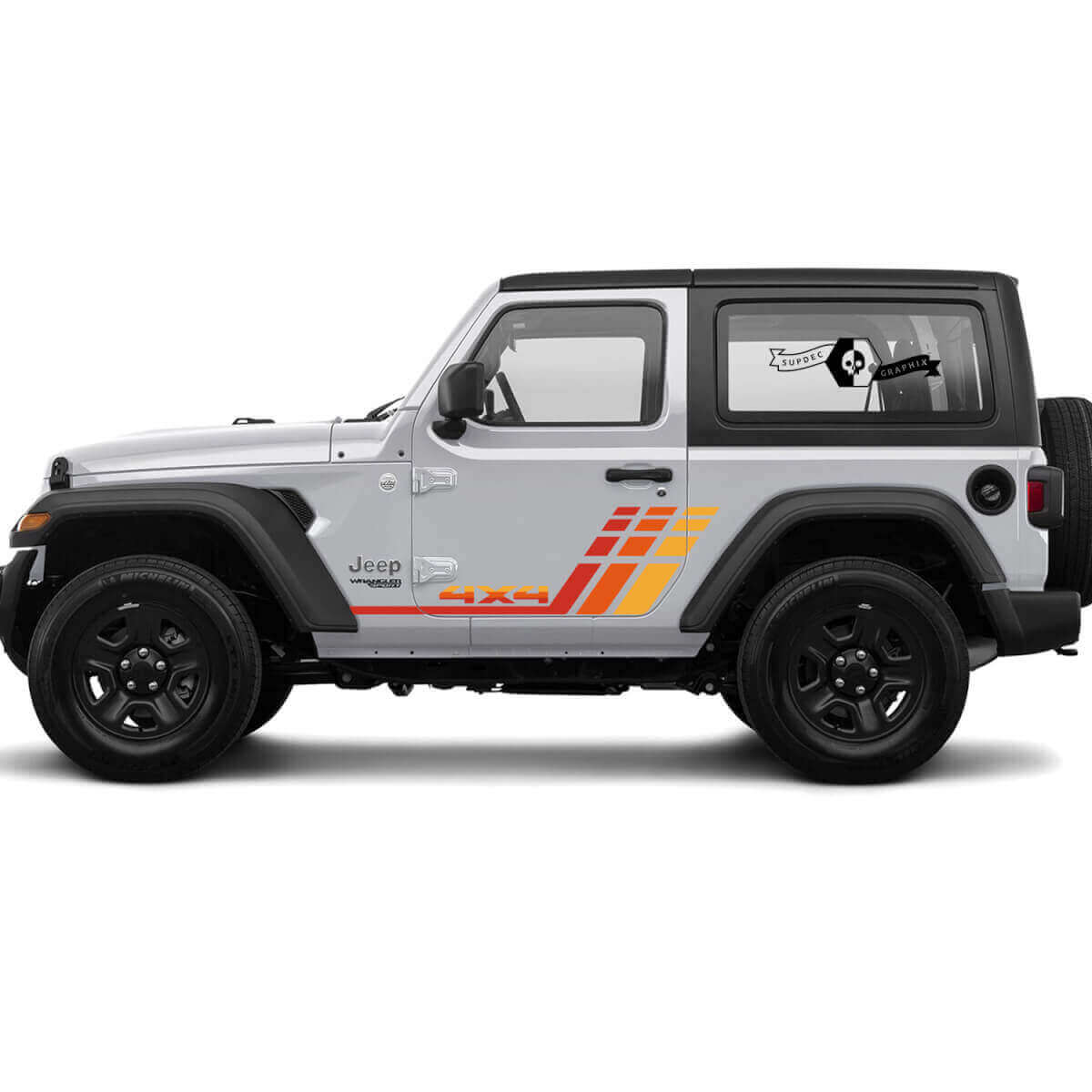
The Retro 4x4 two-door side kit gives you a matching graphic for each side. The product description shows the design on the door and rear quarter. A full side view tells you whether you like the distance between the stripe’s end and the rear wheel opening.
Try the look in a photo by drawing the stripe’s path across the door and rear quarter. Keep the hinge, door gap and rear arch visible. The test shows where your eye follows the line before you commit to the placement.
Can I choose a different color?
Check the available colors on the product page. If you have a specific combination in mind, send the kit link and a daylight photo of the paint. The SupDec FAQ explains how to request a custom color or layout.