Great product, great customer service!!!Mopar Style Bedside Stripe Vinyl Decal Set for Dodge Ram 1500-3500

- Log in
- 0
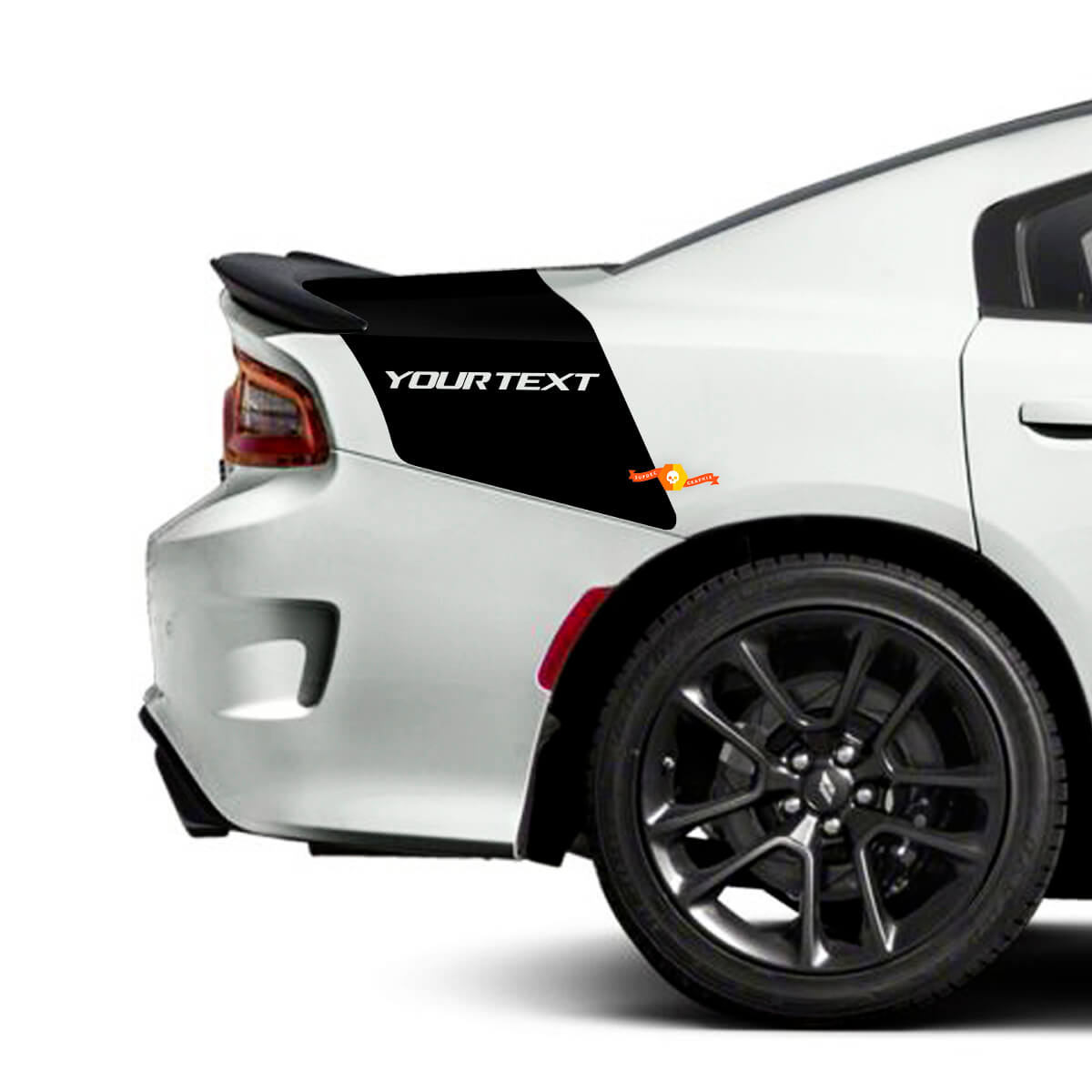
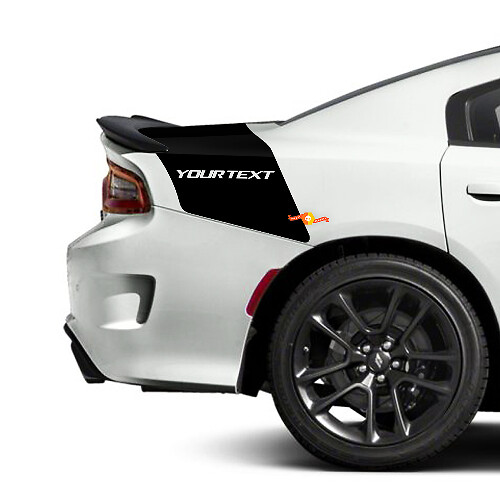
Kit consist oftrunk decals
MaterialHigh quality Avery vinyl
Bedside · Trunk · 1-color design
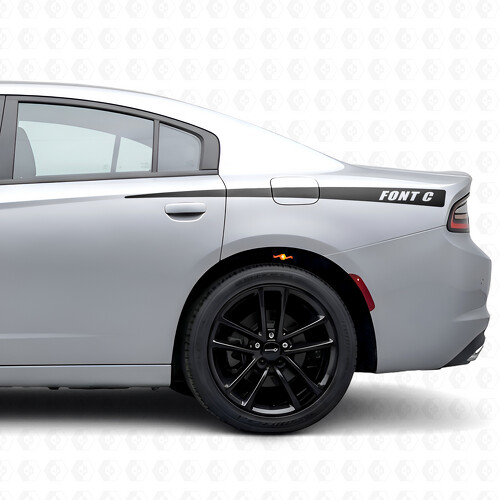
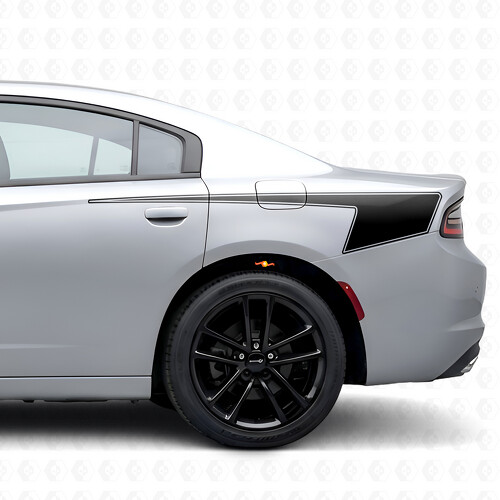
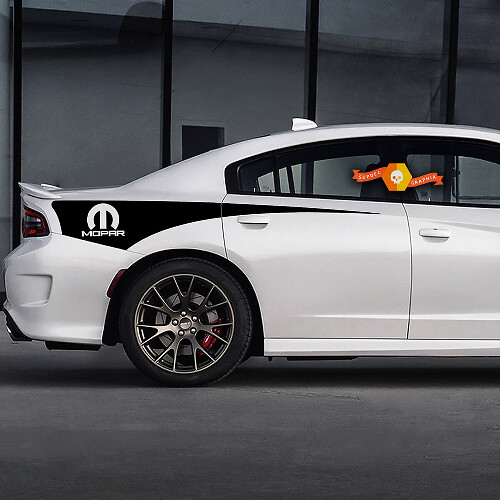
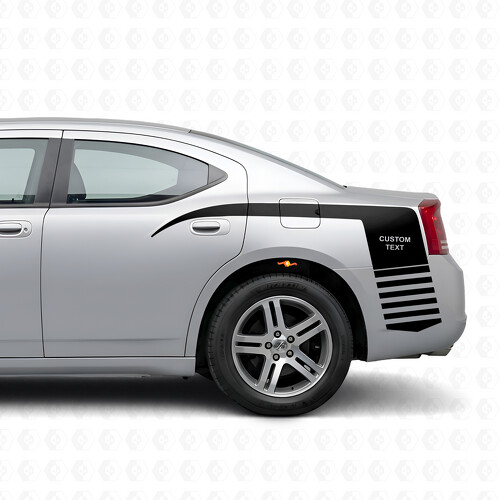
Custom Stripes Bedside Trunk Vinyl Decal Sticker for Dodge Charger
Dodge Charger · 2006–2026 (US)
Default size: as on the picture
$65.90Make it yours
Made to order
in our own studio, ships in 1–2 business days
Worldwide Shipping
Tracking provided after production and dispatch.
30-Day Issue Resolution
Damaged, defective, or incorrect items are covered.
Description
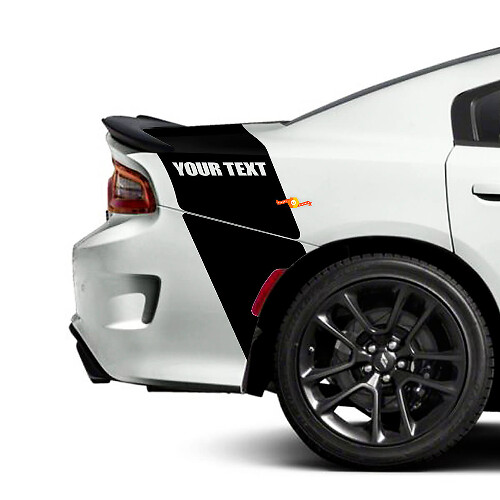
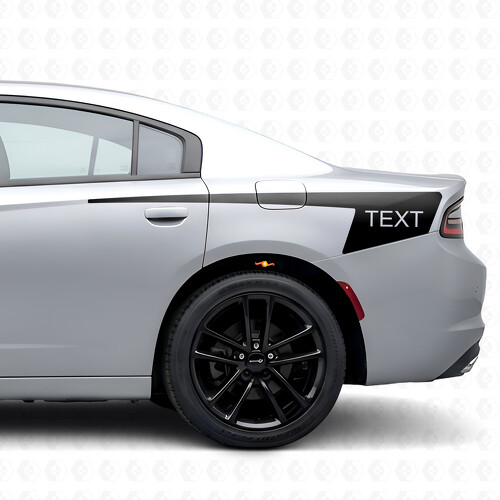
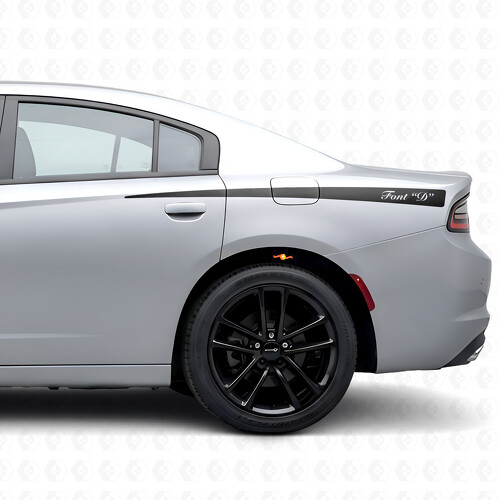
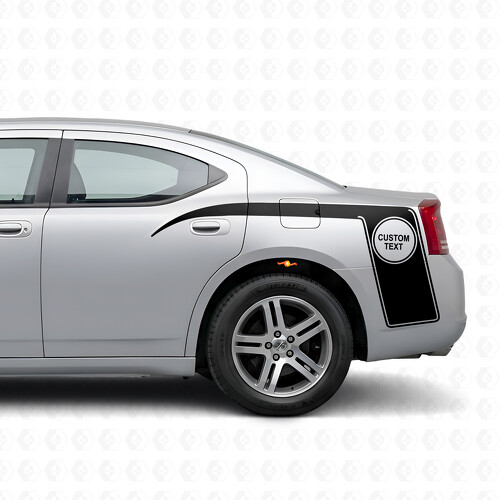
Give your Dodge Charger a bold, custom touch with this bedside and trunk vinyl decal sticker. The design creates a clean stripe accent across the rear quarter/tailband area and trunk, delivering a performance-inspired look while remaining an aftermarket styling upgrade.
The set consists of trunk decals and is intended for Chargers across multiple model years. The visual shown features a dark rear stripe with space for custom text-style placement on the tailband area.
- Placement: bedside and trunk/tailband-style area
- Consist of: trunk decals
- Vehicle: Dodge Charger (years as applicable)
- Material: vinyl
Install on a clean, dry, smooth surface. Test fit before application, align carefully, and avoid washing the vehicle immediately after installation.
Guarantee / Replacement Support
Every product is made to order and carefully inspected before shipping.
If your order arrives damaged, defective, or incorrect, we will replace it or help resolve the issue.
Please contact us within 30 days of delivery and include clear photos of the product and packaging.
Return Policy
Because our decals are made to order, we do not accept returns for incorrect color choice, wrong size selection, or change of mind.
Returns or replacements are accepted only if the item is damaged, defective, or different from what was ordered.
Reviews
All store reviewsNo reviews for this design yet. What other customers say:
Good quality, needed slight trimming on the sides. But overall recommendedGT Style Hood and Bed Side Vinyl Decal Kit for Dodge Ram 1500 Rebel